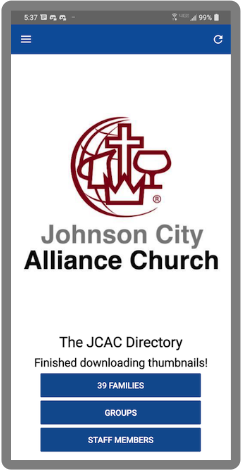
The JCAC Prayer Directory
Using Your Directory
Step 1 — Submit your request to add your contact information to the Directory, then wait for your confirmation email to arrive in your Inbox.
Step 2 — Sign In to access the Directory, using the email address you previously submitted. You can view the entire Directory and revise your family members’ personal data as necessary.
Step 3 — Download & Install the extremely useful Directory App (below) on your mobile device!

Get the App!
◼︎ Get Directions, Make a Call, or Email while you’re mobile
◼︎ Fast, Simple Directory access
◼︎ You can Update your data
◼︎ Always Up-To-Date